Turn a photo into a cross stitch pattern

Your pet, a family photo or a logo: Stitchmio converts your image into a stitch grid right on your device. No upload, no waiting – and you can adjust every stitch afterwards.

  • Free, no sign-up
  • Photos and patterns stay on your device
  • Free printing up to 50 × 50 stitches
  • Pro one-time or by subscription, cancel any month after year one

Turn a photo into a pattern

Drop an image here or choose one – Stitchmio turns it into a stitch chart with a color key that you print as a PDF.

Your image stays on your device – nothing is uploaded.

Three steps to your pattern

  1. Tap “Choose a photo” above (or “Convert a photo” in the editor) and pick a photo.
  2. Set the width in stitches and the number of colors. The preview updates instantly. Optionally remove the background.
  3. Apply, tidy up details, add thread numbers and print.

Which images work best?

  • Clear subjects with good contrast work best
  • A plain background can be removed automatically
  • Pixel art and logos with few colors are converted exactly
  • For portraits: at least 80–120 stitches wide and 15–25 colors

Your photos stay private

Many online generators upload your image to a server. With Stitchmio the conversion runs entirely in your browser – your image never leaves your device. It uses classic color reduction, no AI.

Examples: from picture to pattern

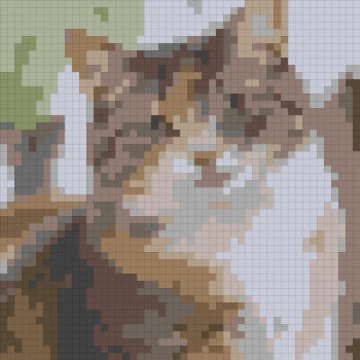
This is what you get – converted with Stitchmio using the settings below, no retouching, then DMC numbers matched. All three fit the free print.

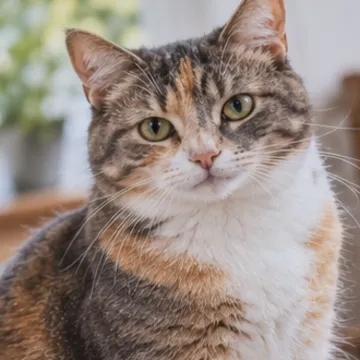
Cat photo

Picture: Cat photo
Picture
Pattern: Cat photo, 50 × 50 stitches, 14 colors, single stitches removed
Pattern
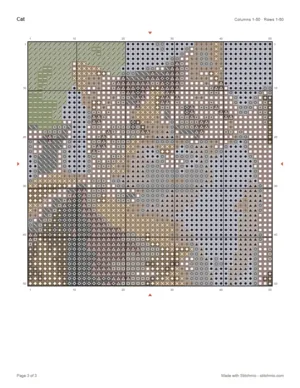
Printed page: Cat photo
Printed page

50 × 50 stitches, 14 colors, single stitches removed
Open in the editor View PDF

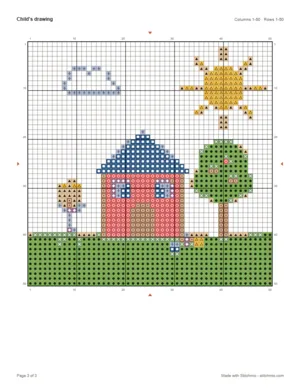
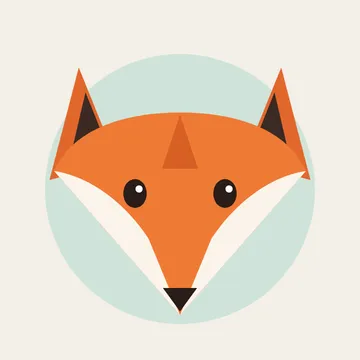
Child’s drawing

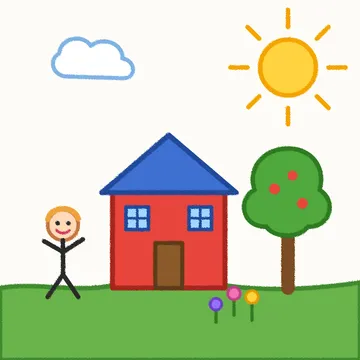
Picture: Child’s drawing
Picture
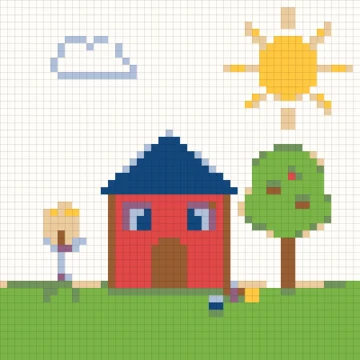
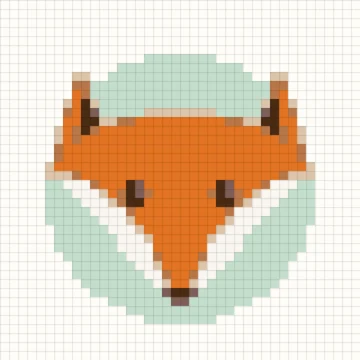
Pattern: Child’s drawing, 50 × 50 stitches, 9 colors, background left out
Pattern
Printed page: Child’s drawing
Printed page

50 × 50 stitches, 9 colors, background left out
Open in the editor View PDF

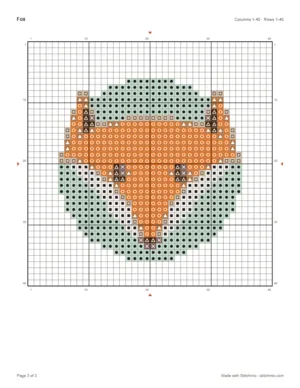
The cat photo is AI-generated; we drew the drawing and the fox ourselves.

What your printed pattern looks like

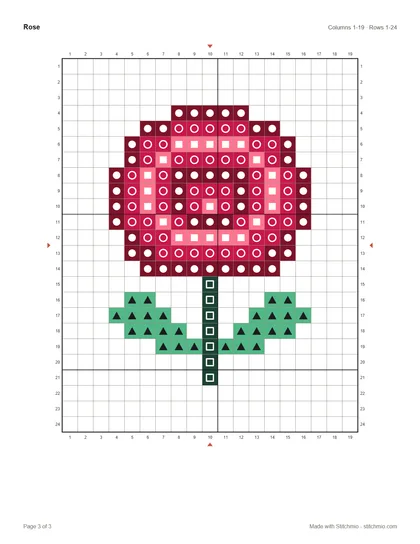
A real example: the free “Rose” pattern as a PDF, exactly as the pattern maker prints it. Larger charts are split across several chart pages with a page map.
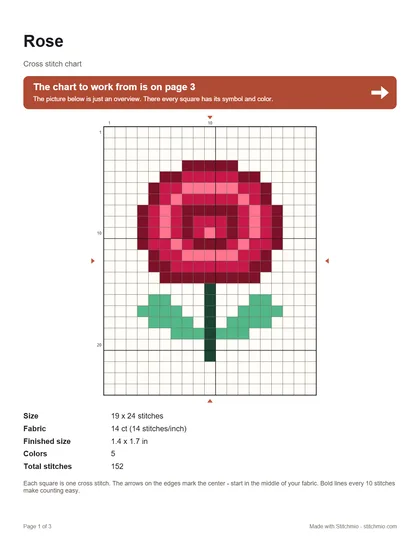
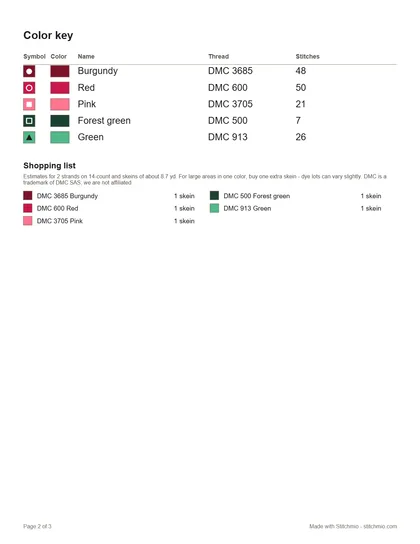
Open the sample PDF: Cover with preview, size and stitch count, Color key with DMC numbers and shopping list, Chart with symbols, 10-stitch grid lines and numbers
Cover with preview, size and stitch count
Color key with DMC numbers and shopping list
Chart with symbols, 10-stitch grid lines and numbers

Open the sample PDF PDF, 3 pages, 21 KB

Frequently asked questions

How many colors should my pattern have?
For simple designs 6–12, for photos 15–30. More colors mean more thread changes – less is often more.
Is image conversion free?
Yes, up to 300 stitches wide and 30 colors. With Pro up to 500 stitches and 64 colors.

Ready for your first own pattern?

It takes less than a minute to your first stitch.

Create a pattern for free